To move a device, make sure that the main folder is selected in the layers panel.
Select the Move Tool in Photoshop in the panel on the left hand side.
Press CMD + T (Mac) or CTRL + T (PC) and then move it by clicking and holding the mouse and then moving it to its new position.
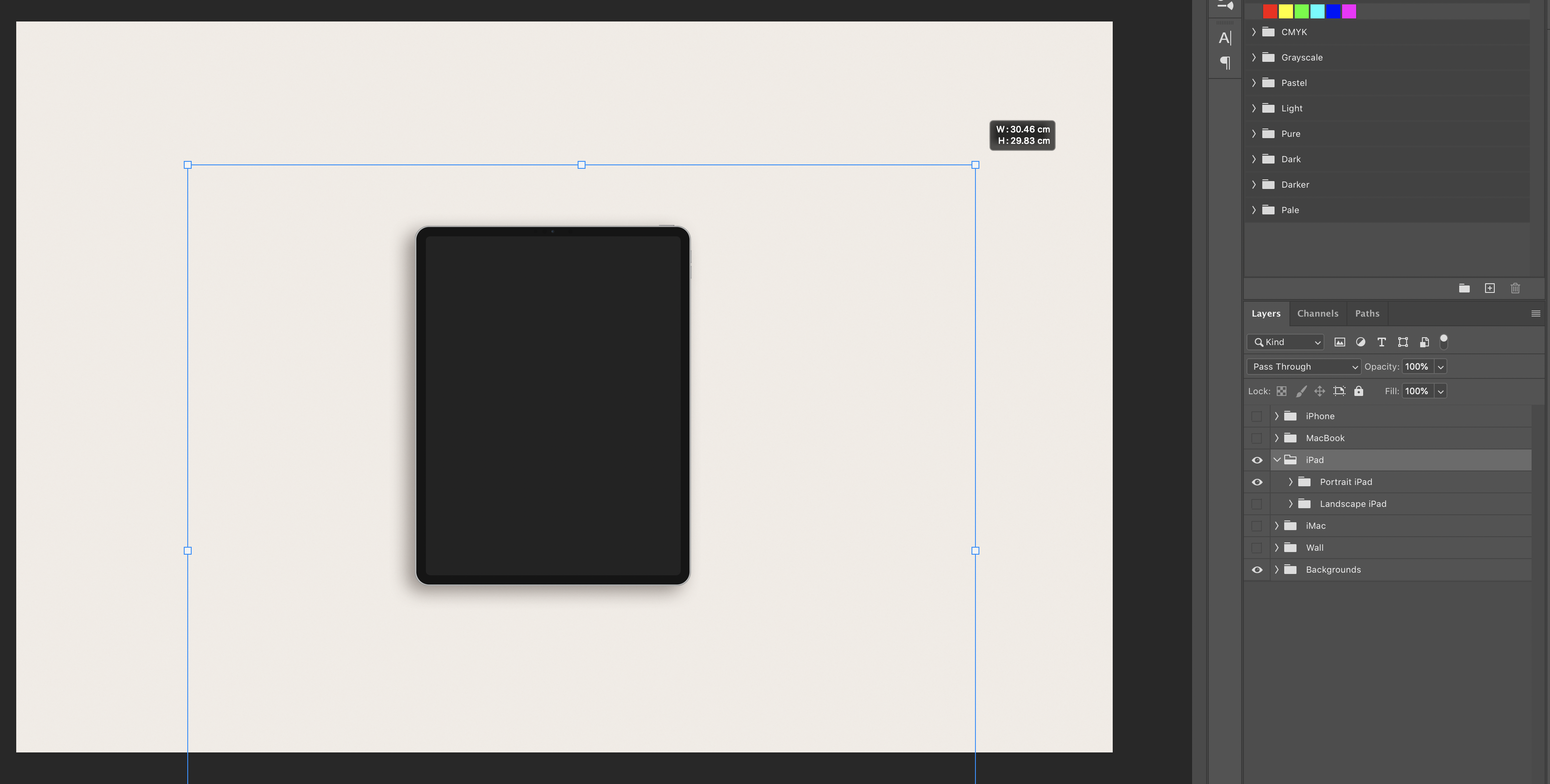
To scale the device do the same as above but instead of moving it, grab a corner of the box around it and drag out to make it bigger or drag in to make it smaller. You may need to hold shift or fn to keep the correct proportion.
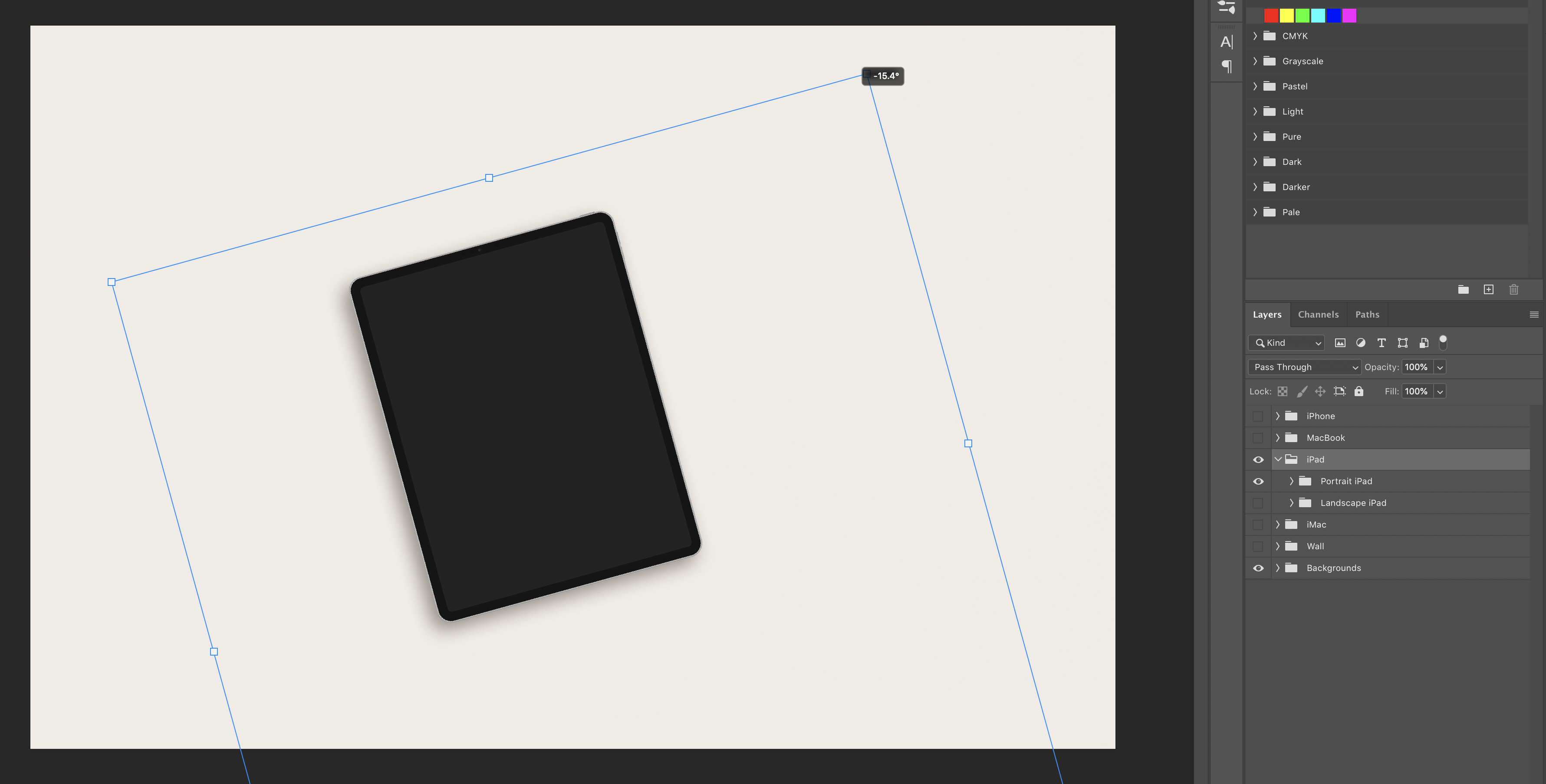
To rotate a device press CMD + T (Mac) or CTRL + T (PC), move the mouse to a corner of the box. The mouse will change to a double curved arrow. Move the mouse so it rotates to its new position.
Comments
0 comments
Please sign in to leave a comment.